
CapCut
CapCut for Windows is ByteDance's desktop video editor, with a timeline, templates and export presets for short and long videos.
533.8 MB

K-Lite Codec Pack is a free collection of audio and video codecs and related tools for Windows from Codec Guide.
Average 0.0 · ratings: 0
Thank you! Your rating is saved; you can change it. Could not save the rating. Please try again later. Too many ratings from your network today. Please try again tomorrow. The average appears after 5 ratings.
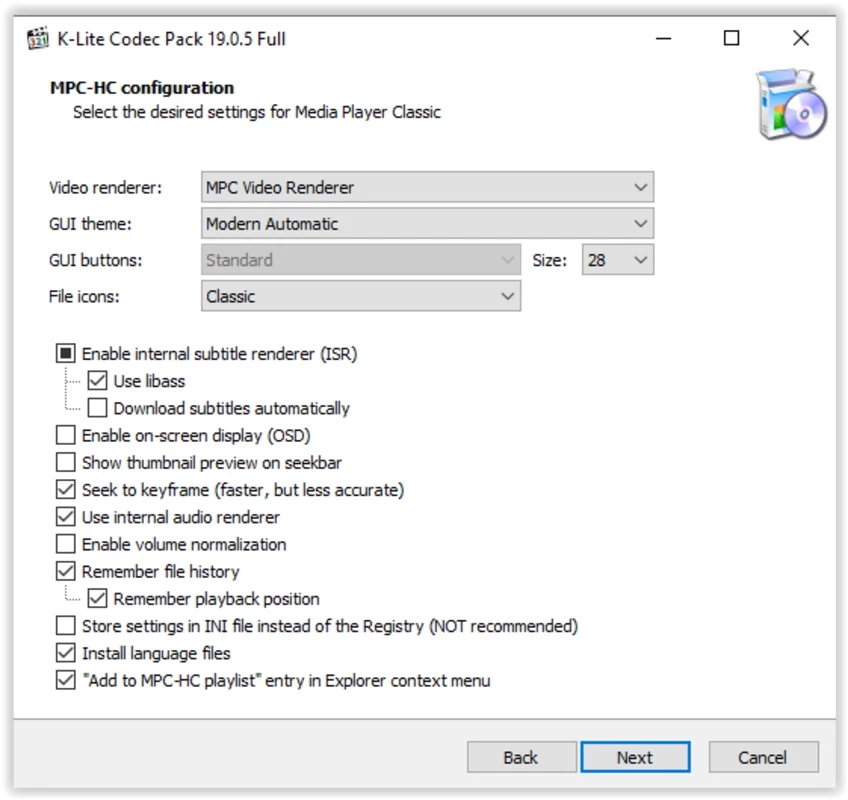
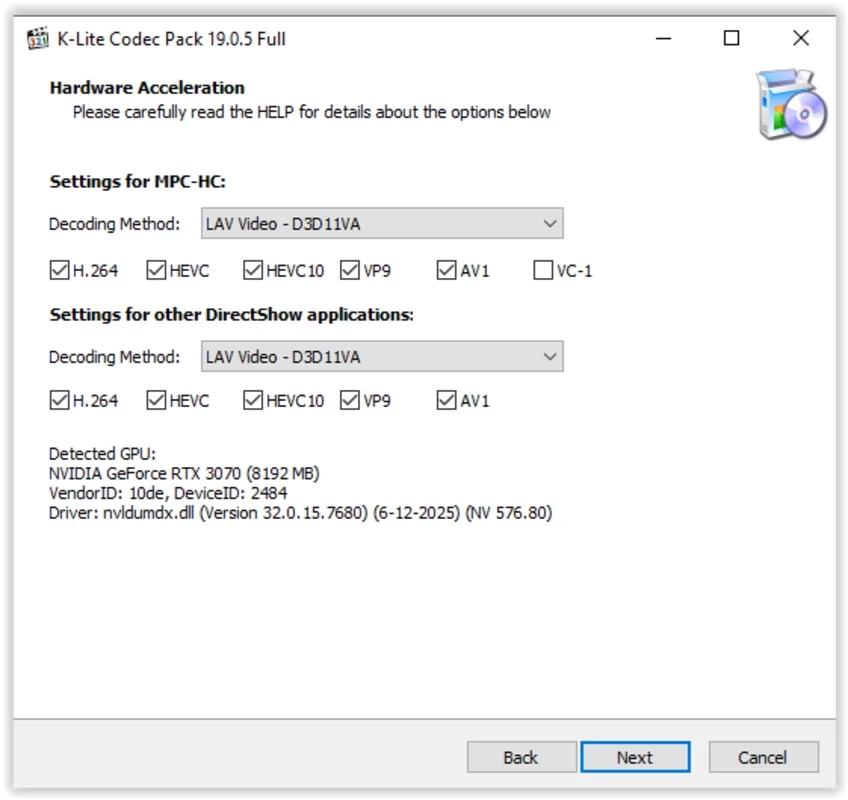
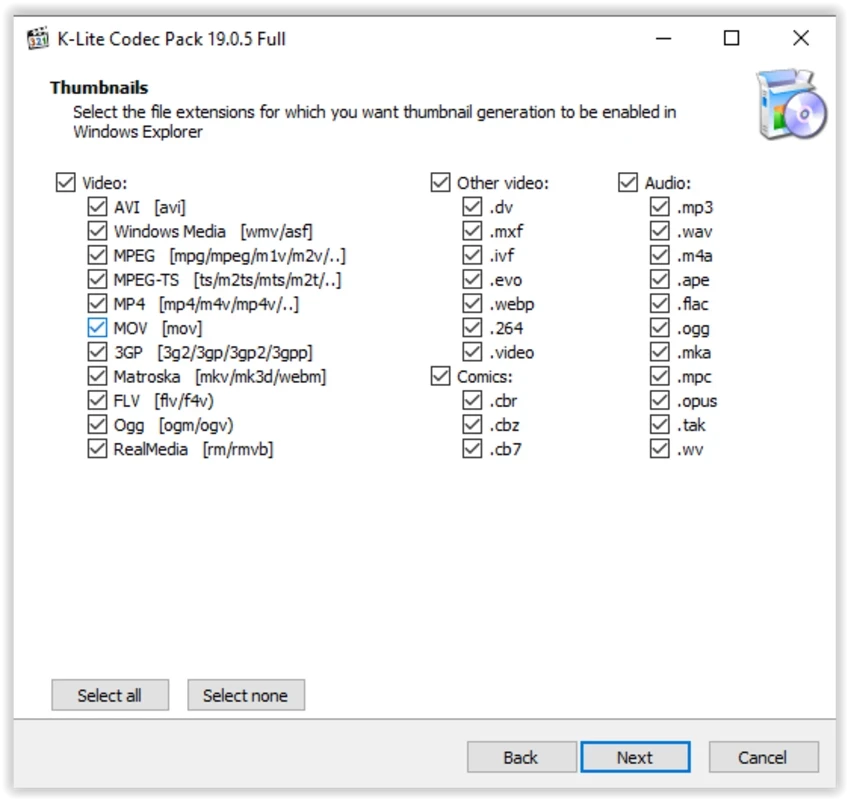
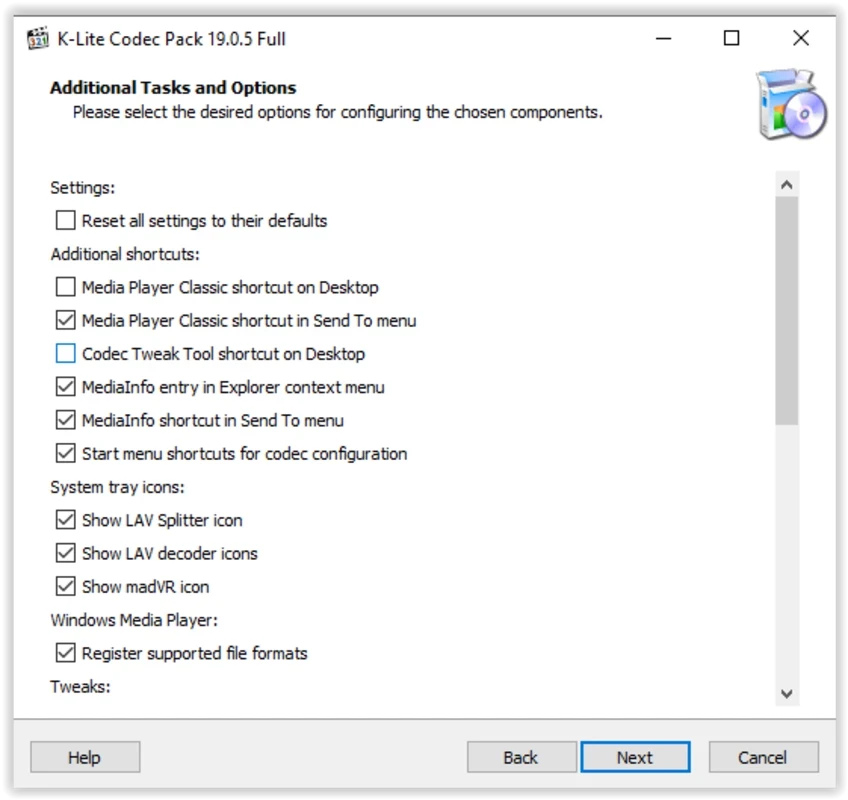
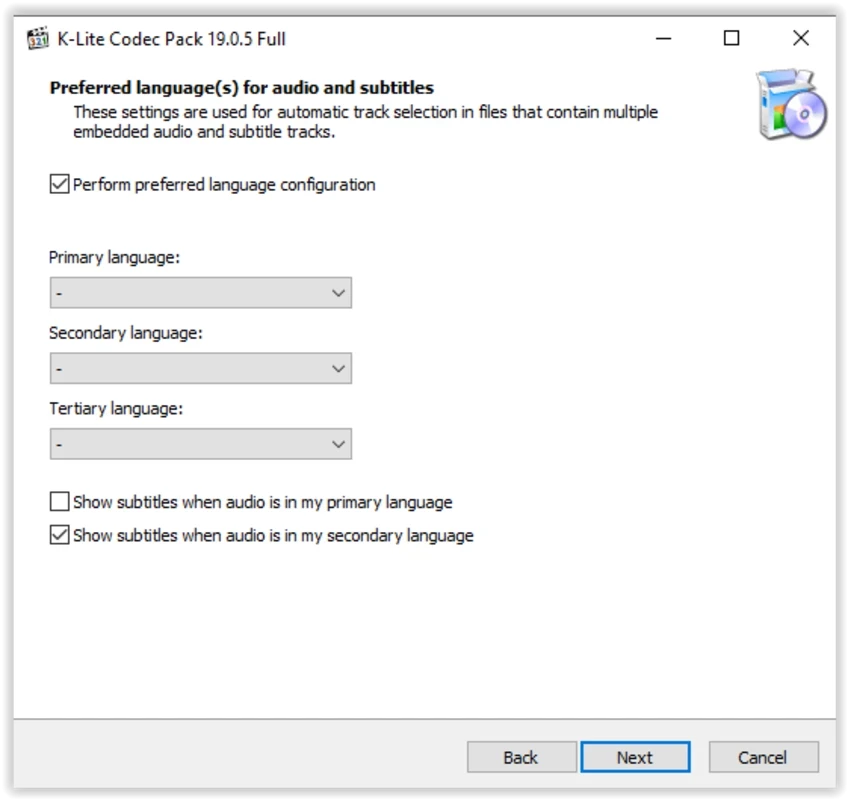
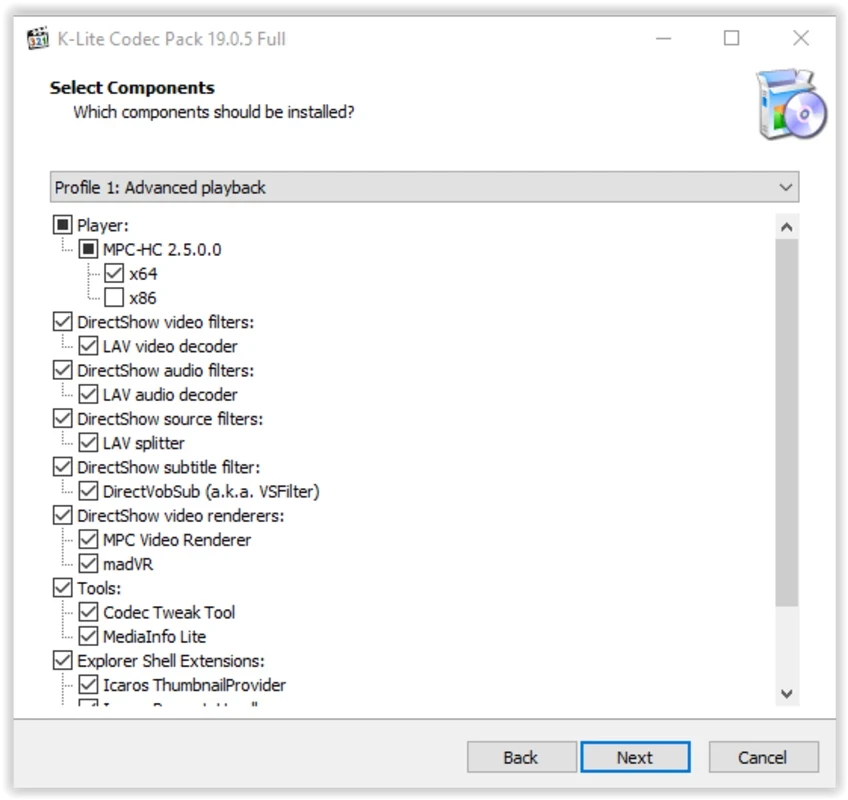
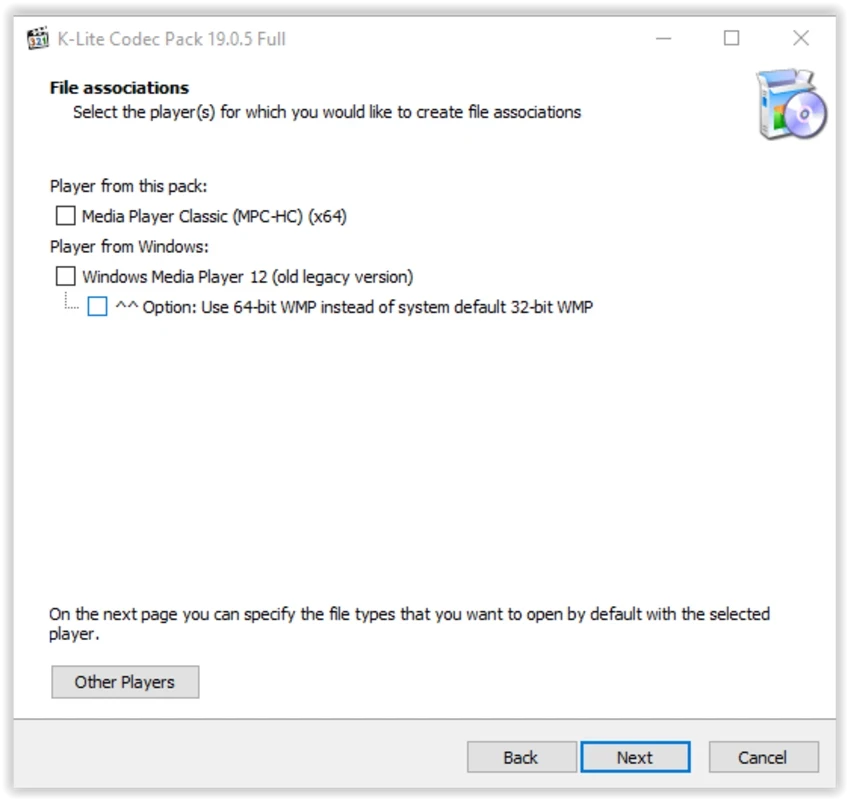
K-Lite Codec Pack 19.9.0 is a free collection of audio and video codecs for Windows from Codec Guide. You can download K-Lite Codec Pack from the developer's site to make Windows players open video and audio formats they do not handle on their own.
| Item | Details |
|---|---|
| Version | 19.9.0 |
| Developer | Codec Guide |
| First release | 11 August 2005 |
| Type | Product bundle of codecs and tools |
| Platform | Windows, x86 and x86-64 |
| Written in | C++ |
| Interface | English |
| Licence | Freeware |
| Size | about 39.05 MB according to catalogue data |
Video files are containers holding compressed video and audio streams. To play them, a program needs a decoder for each format inside. Players such as VLC carry their own decoders, but many Windows programs, including older players and video editors, rely on codecs installed in the system. When one is missing, you get a black screen, sound without picture or an error message. K-Lite installs a coordinated set of decoders and filters in one go, and it has been doing this since 2005. The pack comes in several editions: the Standard edition covers what most people need, while the Full edition adds more components for advanced users, as listed in the full changelog. Codec Guide releases updates often, and beta builds appear between stable versions, so if you prefer stability, install stable releases only.
The pack runs on Windows and supports both x86 and x86-64 systems. It needs no special hardware beyond what your videos require.
Get it only through codecguide.com. "Codec" downloads offered by pop-up windows on video sites are a classic malware trick. Avoid installing several codec packs at once, as they can conflict; uninstall the old pack before switching.
K-Lite Codec Pack is free.
If a file still does not play after installing the pack, the problem may be the file itself: an incomplete download or a damaged recording will not play anywhere. Try the file in another player first. When video stutters on an older PC, the codec settings tool in the pack lets you switch to hardware decoding, which moves the work from the processor to the graphics card. If things get worse after an update, uninstall the pack and install the previous stable version.
If you only need a player, our site lists VLC media player, KMPlayer and GOM Player, which play most formats without extra codecs.
CapCut for Windows is ByteDance's desktop video editor, with a timeline, templates and export presets for short and long videos.

VLC media player is a free, open-source video and audio player for Windows from the VideoLAN team. The current release is 3.0.24.

Green Free Video Converter is a small free Windows program for converting video files between common formats for phones, players and editors.

Format Factory is a free Windows multimedia converter from Free Time for changing video, audio and image files between formats.

Streamlabs OBS, now called Streamlabs Desktop, is a free open-source Windows app for live streaming and recording with built-in alerts and overlays.

Free Cam is a free screen recorder for Windows from iSpring Solutions for recording screencasts with voice-over and trimming them before export.

TikTok for Windows is the desktop app of the short-video platform from TikTok Pte. Ltd., available free from the Microsoft Store.

Iriun Webcam is a small free Windows program that turns an Android phone or iPhone into a wireless webcam for video calls and streaming.